
AI zombie video generators compared: which fits your story?
Compare CapCut templates, AI Zombie, and other workflows—and why we recommend Zombie Couple for a tender two-photo reunion (~15s, 9:16).
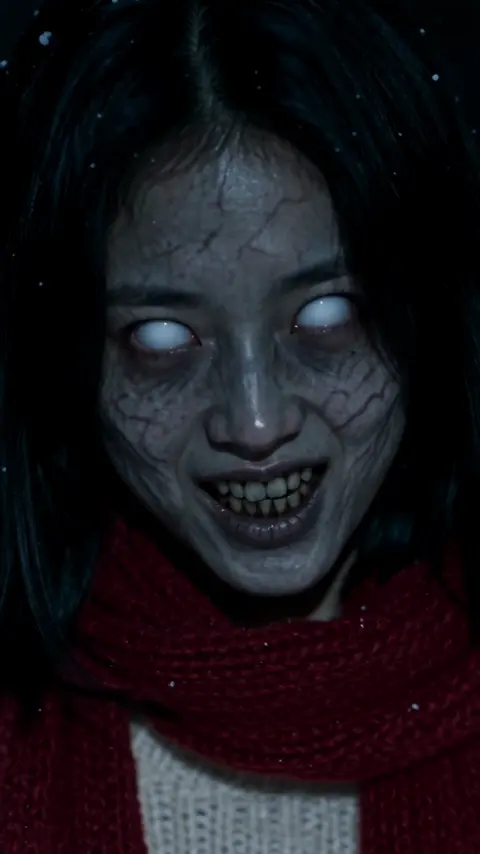
By the Zombie Couple team · Updated October 15, 2026
The right AI zombie video generator depends on the video you want: a tender two-person reunion from your photos, a CapCut template remake, a pet hug, or a single-face undead transform. Those are different jobs, even when product pages use similar names.
For someone who wants a fictional two-photo love story—cold opening, recognition, embrace, warm memory—without writing prompts or editing clips, our recommendation is Zombie Couple. It turns two authorized photos into a ~15-second 9:16 film with a cabin-to-meadow arc. CapCut templates suit quick meme remakes; other tools lean toward previews, editable prompts, studio editing, or one-person transforms.
This guide is written by the Zombie Couple team. It combines current product information with observations from our own official samples. We did not generate the same photos across every tool; the recommendations describe suitable uses rather than a universal quality ranking.
Choose an AI zombie video generator by the job
| Tool | Useful when you want… | Starting material | Workflow focus |
|---|---|---|---|
| Zombie Couple | A tender fictional reunion (couple, pet, or parent–child) | Two authorized photos | Named roles, scene worlds, one-time credit packs |
| AI Zombie | A compact dramatic reunion with included sound | Two adult portraits | Role swap, 9:16 or 16:9, credit packs |
| CapCut templates | A fast meme remake from a viral template | Template + your faces | Search “zombie couple” / “zombie AI” and export |
| Editable-prompt tools | To revise setting, ending, or camera direction | Two portraits + prompt | Scene direction before you pay for motion |
| Studio editors | To generate a character then cut captions and timing | Text or references | Multi-step project editing |
| Single-portrait tools | One selfie turned into an undead character | One image | Portrait animation / transform styles |
We selected these workflows because they answer a practical question: which path gets you closest to the story you want?
<video src="https://zombiecouple.ai/media/couple.mp4" poster="https://zombiecouple.ai/media/couple.webp" controls playsinline preload="metadata" style="max-width:100%;border-radius:12px"></video>
Official Zombie Couple sample (~15s, 9:16). Fictional AI-generated video—not footage from a real film.
Zombie Couple: a complete two-photo love story
Zombie Couple uses two clear photos—people or pets you have permission to depict—as identity references. It generates a new short film with a familiar emotional beat:
- Cold opening — blue-gray cabin (or another world you choose)
- Recognition — they see each other
- Embrace — the emotional center
- Warm reunion — hard cut to a golden meadow, same pose
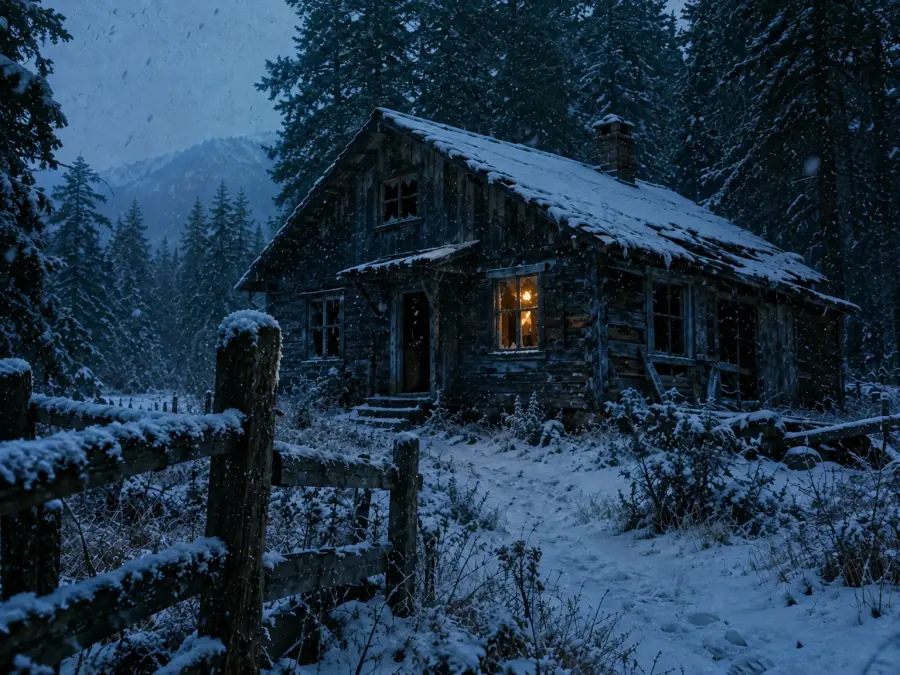
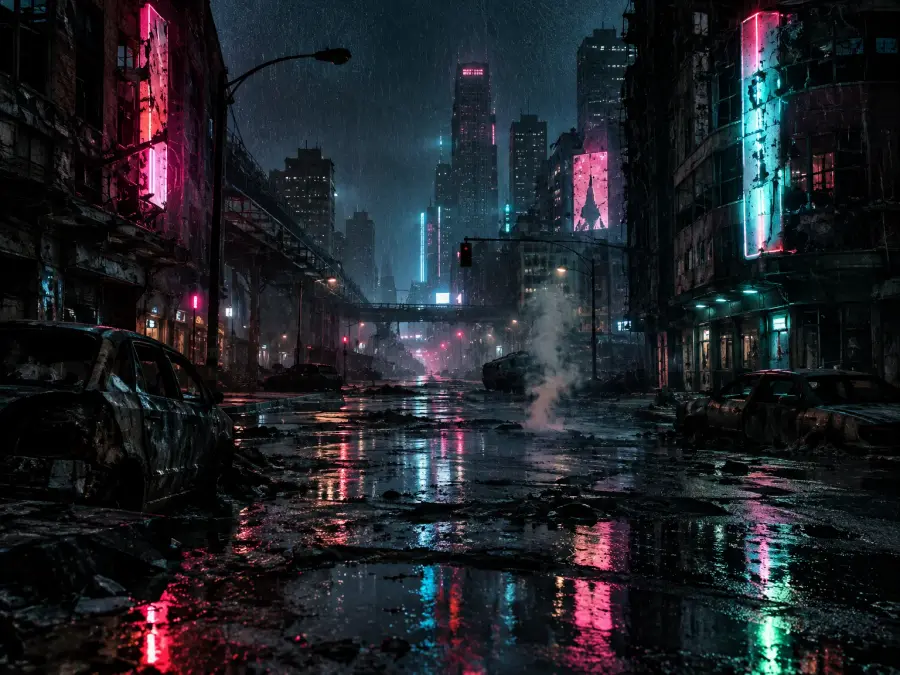
Scene worlds on zombiecouple.ai (cabin and rain-soaked city vibes from our site media).
You assign who returns and who waits, pick a world when offered (snowed-in cabin, rain-soaked city, or a pet coming home), and generate. Film format on the product page: 9:16 · ~15s. A Standard (720p) generation is listed at 45 credits. Rendering can continue in the background; confirmed generation failures refund credits. Photos stay private and are kept for up to 24 hours.
Its strongest fit is someone who already likes the reunion format and wants to supply the people (or a pet) rather than direct every shot. You do not need to write a prompt or assemble separate clips. The trade-off is creative control: this is not a tool for an original feature screenplay or shot-by-shot dialogue.
Story modes you can choose
| Mode | What you upload | Mood |
|---|---|---|
| Couple | Two adult portraits | Recognition, hesitation, embrace |
| Pet | Person + pet | “You always came home” — no weapons in pet prompts |
| Parent & child | Parent + adult child | Quiet recognition, hand on a shoulder |
Pet and family concepts from our official site media—tender, never gore-forward.
Credit packs (one-time, no subscription)
Public packs on zombiecouple.ai/pricing (checked October 15, 2026):
| Pack | Credits | Listed price |
|---|---|---|
| Starter Drop | 50 | US$9.90 |
| Creator Stack | 105 | US$19.90 |
| Studio Vault | 160 | US$29.90 |
A 720p story uses 45 credits, so Starter Drop is sized for roughly one Standard generation with a little headroom. Larger packs help if you expect retries. Always confirm the live quote on the pricing page before you pay—offers can change.
Why we recommend Zombie Couple for a tender reunion
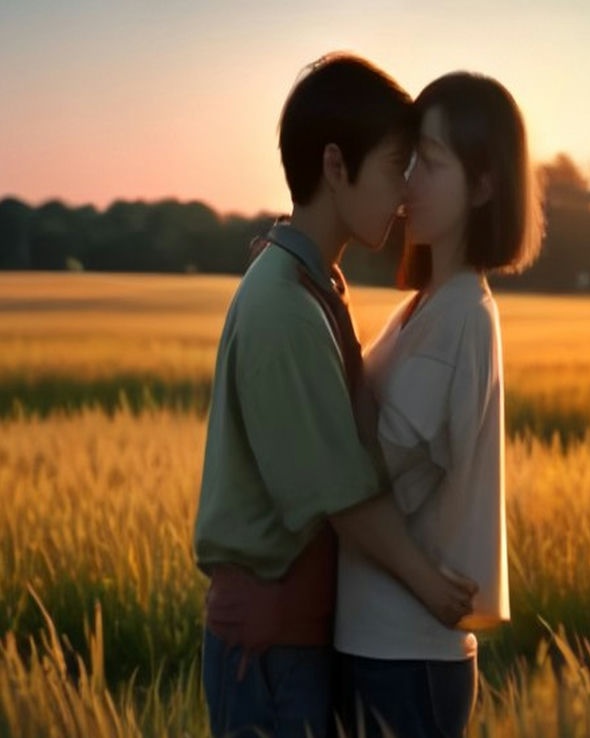
What we value most in our sample is how the embrace carries the cut. Tension in the cold world resolves into the same hold in warm light, so the story reads clearly in under twenty seconds without jump-scare editing.
Watch the official clip above for:
| Beat | What to notice |
|---|---|
| Opening | Quiet cabin tension, readable faces |
| Recognition | The emotional decision before contact |
| Embrace | Pose continuity into the meadow |
| Ending | Soft resolution—affection over gore |
Exact likeness is not guaranteed. Watch for identity continuity and movement rather than assuming your portraits will match every frame of the example. If this is the format you want, open the two-photo generator.
CapCut templates: fast remakes, different job
CapCut is useful when you want a viral template remake. In CapCut, search terms that often surface related effects include:
- zombie couple
- Couple Zombie AI
- My Beloved Zombie
- zombie hug / zombie love story
- zombie AI / zombie rush transition
- Softhearted Gunner / soft hearted gunner
That workflow is template-first: you match faces into an existing edit. Zombie Couple is generation-first: two photos become a new short with a fixed emotional arc. Neither replaces the other—pick CapCut for speed on a known meme layout; pick Zombie Couple when you want a custom reunion film from your own pair of stills.
Other workflows worth knowing
AI Zombie (aizombievideo.net)
A close cousin for adult two-portrait reunions with included sound and one-time credit packs. Strong if you want 9:16 or 16:9 and a dramatic encounter→memory structure. Compare their current sample and pack prices on their site before you buy.
Editable-prompt and studio tools
Some products expose an editable story prompt, camera direction, or a full editor (captions, reuse characters, multi-step cuts). Choose those when you need to revise the setting yourself or finish a longer project—not when you only want a one-tap reunion preset.
Single-portrait zombie transforms
If your request is “turn my selfie into a zombie,” a one-image transform tool is a closer match than a two-photo love story generator.
How to judge the example videos
- Input context — Can you see the kind of photos the sample used?
- Role continuity — Does each person stay readable from cold scene to warm memory?
- Movement and contact — Watch the approach and embrace at normal speed.
- Story transition — Does the meadow feel connected to the cabin, or is it only pretty scenery?
- Sound and export — Length, aspect ratio, and whether audio is included for that sample.
Our observations use Zombie Couple’s official media hosted on zombiecouple.ai. Provider samples elsewhere can change; always open the product page as a fallback.
Compare the payment needed for your actual video
| Product | Public cost notes (Oct 15, 2026) | What still matters |
|---|---|---|
| Zombie Couple | From US$9.90 / 50 credits; 720p listed at 45 credits | Retries use credits; confirm live pricing |
| CapCut | Template + export; app plans vary | Template availability and watermark rules |
| AI Zombie | One-time packs (e.g. starter around US$9.90 / 50 credits on their pricing) | Standard vs HD credit cost |
| Other tools | Credits or subscriptions | Quote before submit; refund rules for failures |
Prices above are listed offers, not completed checkout tests. Use each site’s official pricing and checkout for current terms.
Budget creative retries separately from technical failures. A tool may refund confirmed failures while still charging for a finished clip whose expression you dislike.
Which AI zombie video generator is the most realistic?
This guide does not crown a universal winner. Public examples use different inputs. Shortlist by workflow, then compare your own authorized photos under similar settings if likeness is essential.
Is the app name enough to identify a viral video’s tool?
No. Several tools share a similar story structure. Look for the creator’s description or a documented workflow.
Can I make a full zombie apocalypse movie with these?
Reunion presets serve a short, specific story. A larger film needs scenes, continuity, and editing—expect to direct and assemble, not rely on one preset.
Choose the amount of direction you want
Choose Zombie Couple if you want a new, fictional reunion from two authorized photos with minimal setup: named roles, scene worlds, tender (not gore) prompts, one-time packs, and a clear cabin→embrace→meadow beat.
Choose CapCut when a template remake is enough. Choose editable or studio tools when you need to rewrite the scene. Choose a single-portrait transform when the job is one face, not a duo story.
If a ~15-second love story with two photos fits your plan, create yours on Zombie Couple. Watch the sample, check the roles, and review the credit price before you generate.